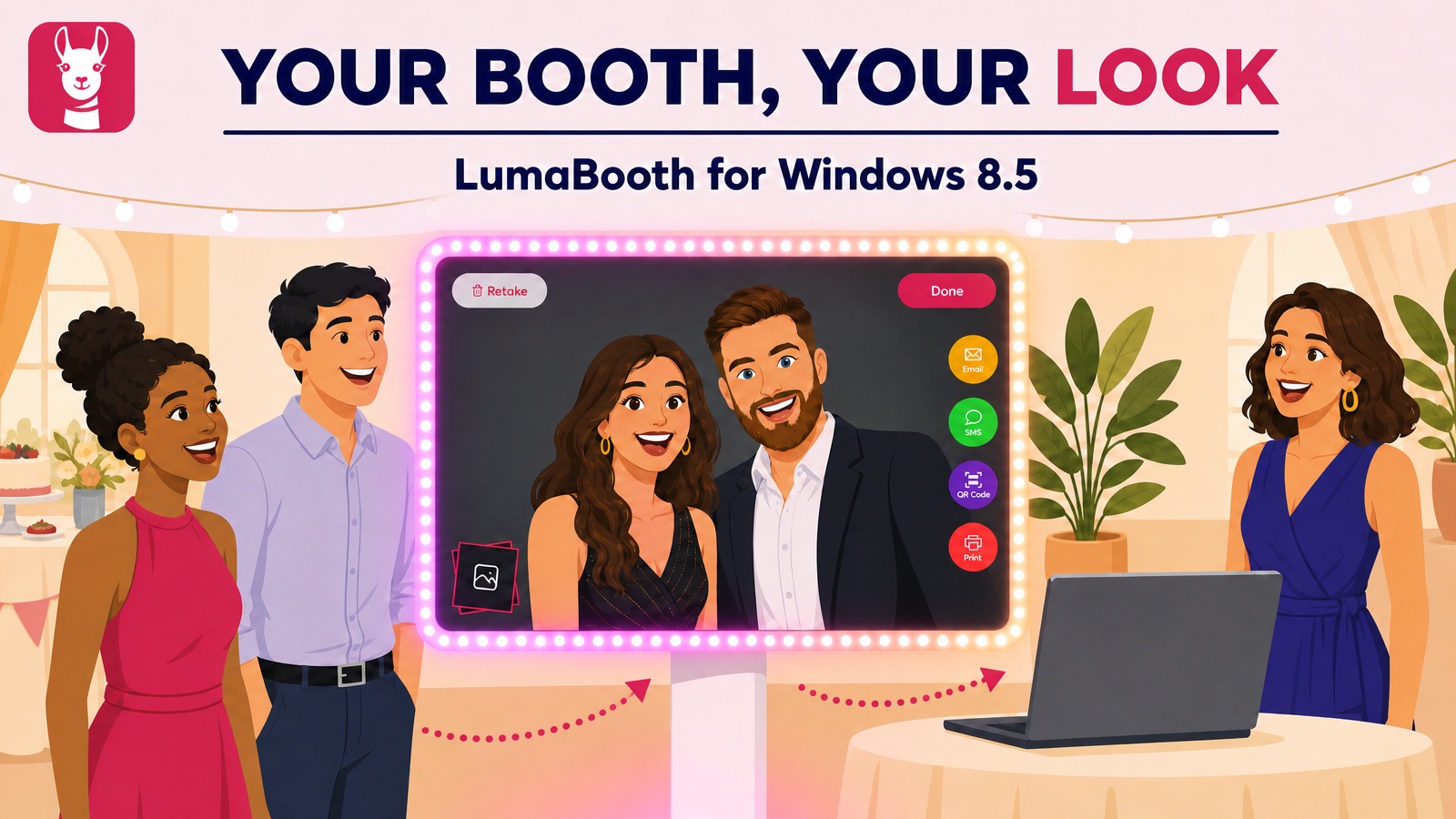
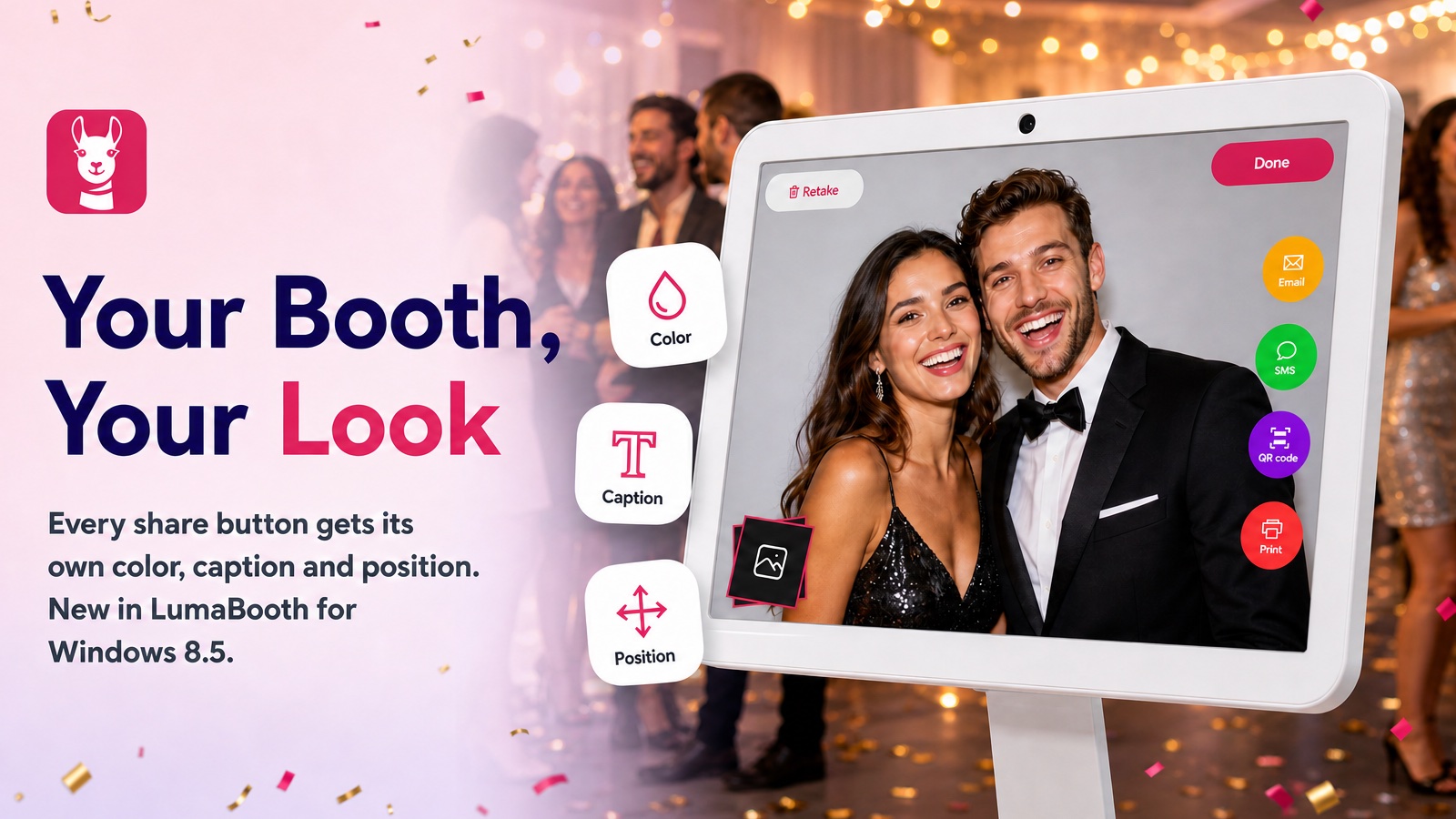
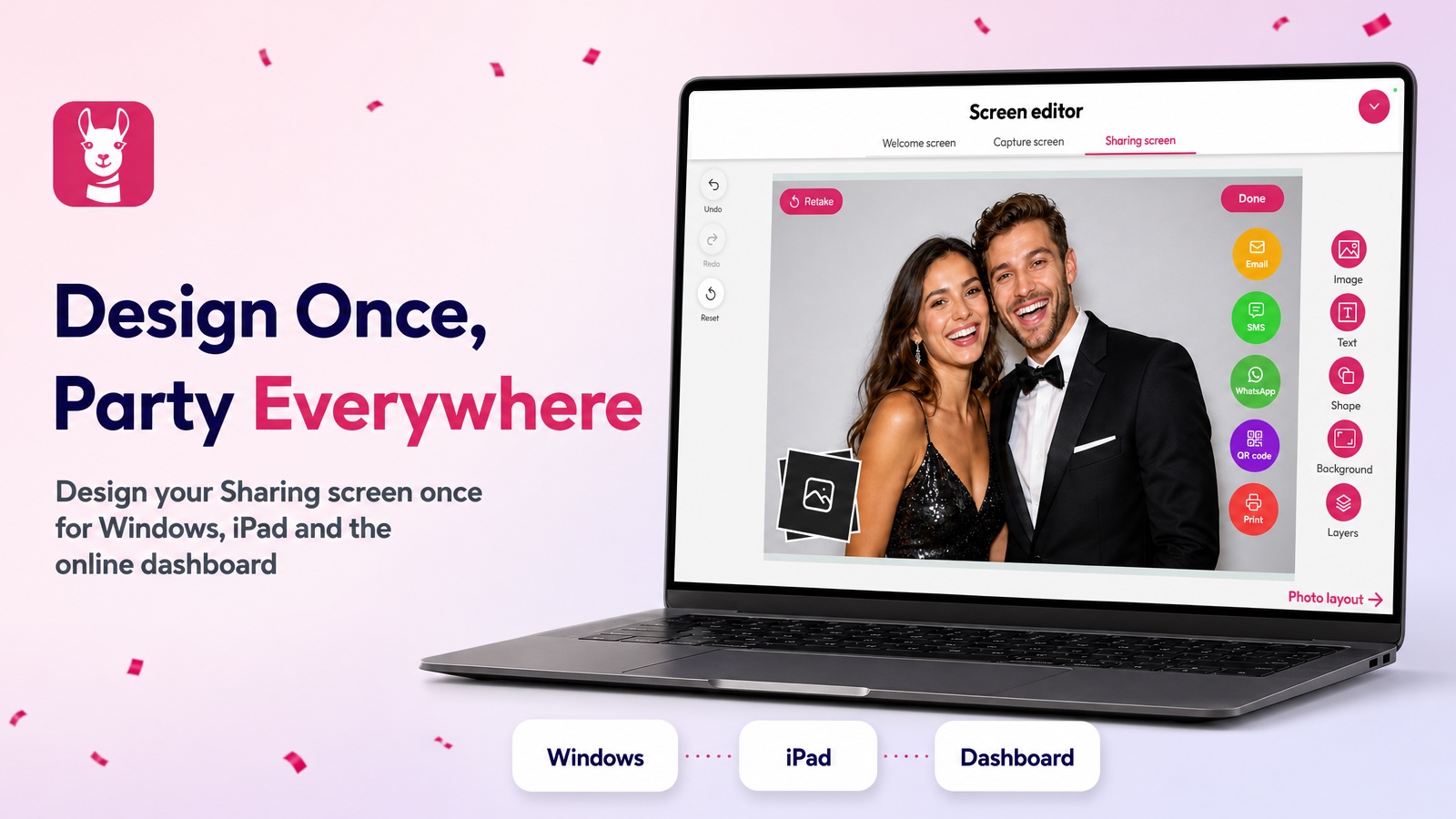
Every event has its own look, and your booth should match it. In LumaBooth for Windows 8.5, every share button can have its own color, caption and position, just as you asked. And the Sharing screen you design once now works on Windows, on iPad and on the online dashboard.
Every Share Button, Styled Your Way
Email can be gold, SMS can be green, and Print can be the red your client’s logo uses. Each share button now has its own Style panel, where you set its color, caption, caption position and custom image, show or hide it, or reset it to the default.
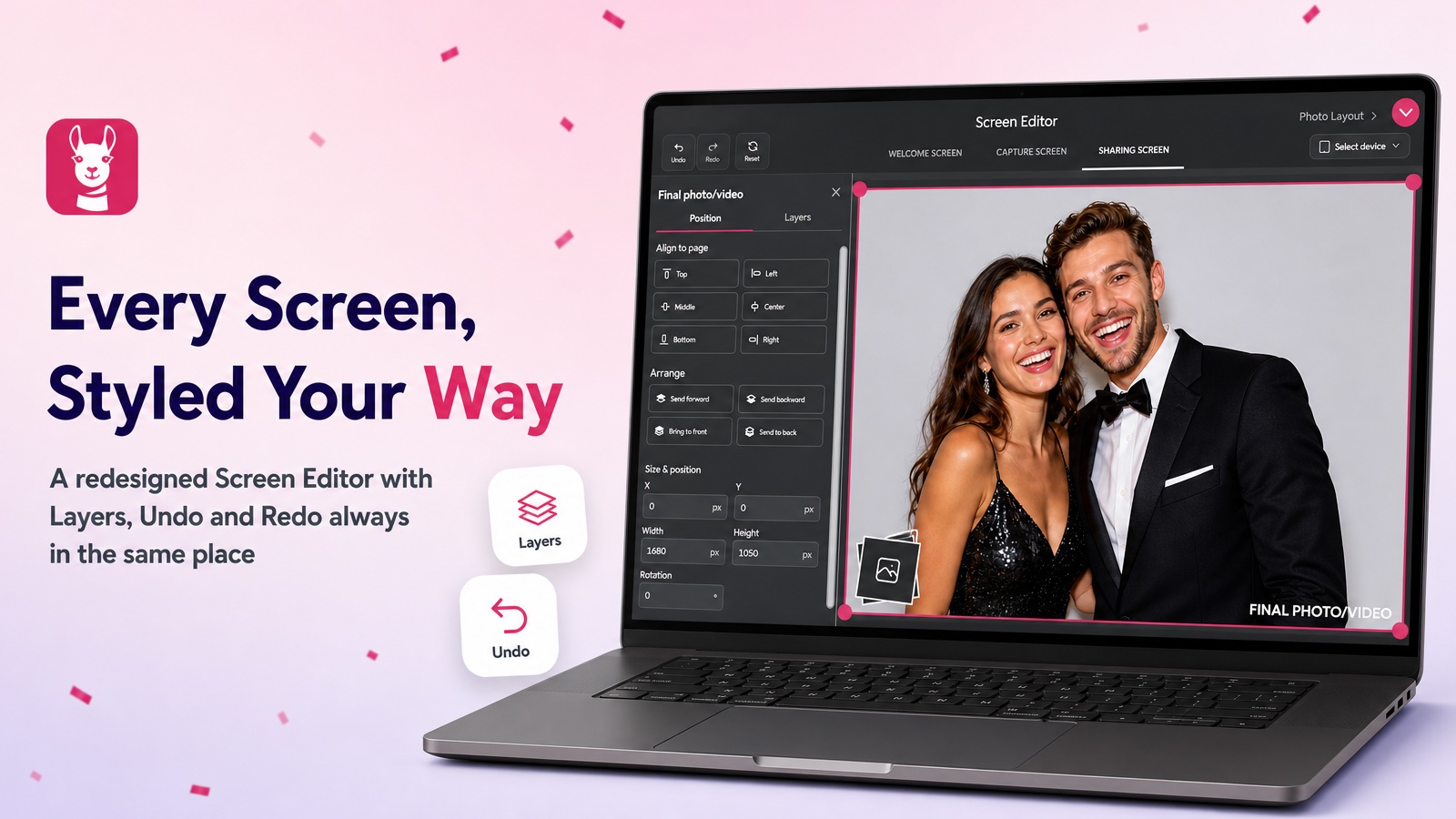
Around those buttons, the Screen Editor has a fresh look. One side panel you can hide, a layout built for portrait screens, and Layers, Undo and Redo in the same place on every screen. Keyboard shortcuts help too: Escape to close, Delete to remove, Ctrl+[ and Ctrl+] to change the order.
Eight Ways to Lay Out Your Share Buttons
Pick from a visual picker with eight layouts. Buttons are centered, never overlap and never touch the screen edge. Drag one button out of the row and the others stay where they are, and choosing a layout moves only the share buttons, so your gallery and QR code image stay put. The QR code image is now part of the default Sharing screen, with settings of its own.
Design Once, Party Everywhere
Sharing and Welcome screen designs now travel with the event. Make one on the dashboard, an iPad or Windows, and it shows up on all three. Older events convert automatically the first time you open them. iPads need LumaBooth 5.5. Portrait events get a portrait Sharing screen, and captions you change on the dashboard or in LumaBooth for iOS now reach Windows.
A Fresh Photo Layout Editor
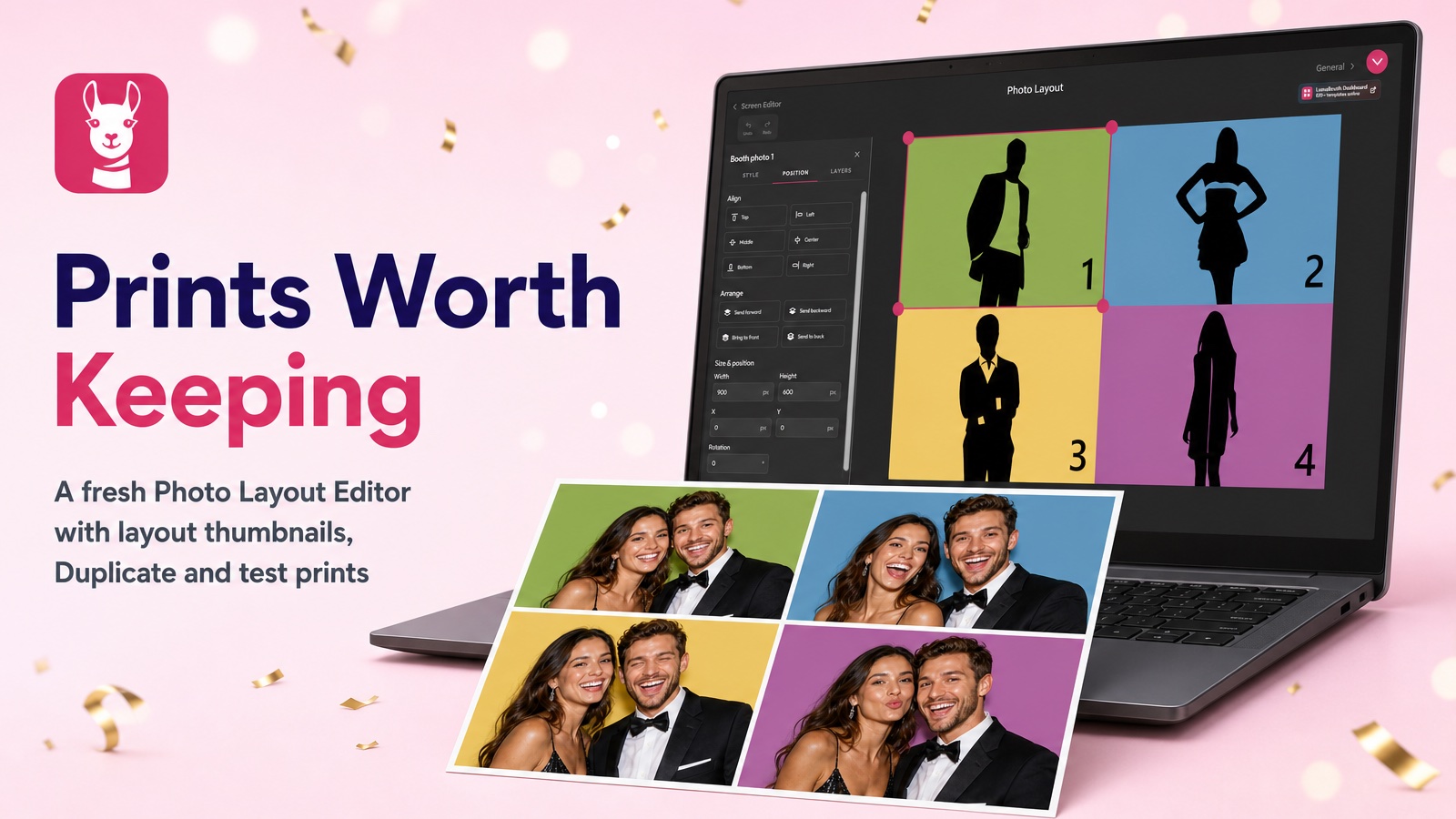
The Photo Layout Editor now matches the Screen Editor. You get a Layouts panel with thumbnails, a Duplicate button, and Print test copy so you can check a print before the event. Add layout opens one window with Presets, Recent and Import, and survey answers can be aligned Left, Center or Right.
Guest Emails With the View Online Link
Emails now go out through the same fotoShare email service as LumaBooth for iOS. Guests get the View Online link along with their photo or video. Files up to 10 MB are attached, and larger ones arrive as a preview linked to the online gallery when Enhanced Sharing is on. Send Test Email also no longer fails on Windows 11 PCs with Smart App Control.
Good to Know Before You Update
- Text and date elements on photo layouts are now always centered. A layout that used left or right aligned text will print it centered after the update. Survey answers can still be aligned Left, Center or Right.
- Shadows on saved photo layouts are kept within a sensible range, so a few existing layouts may print with a slightly different shadow. The 10 bundled layouts are not affected.
- In the Photo Layout Editor, Save as New is now Duplicate.
Lights That Follow the Fun
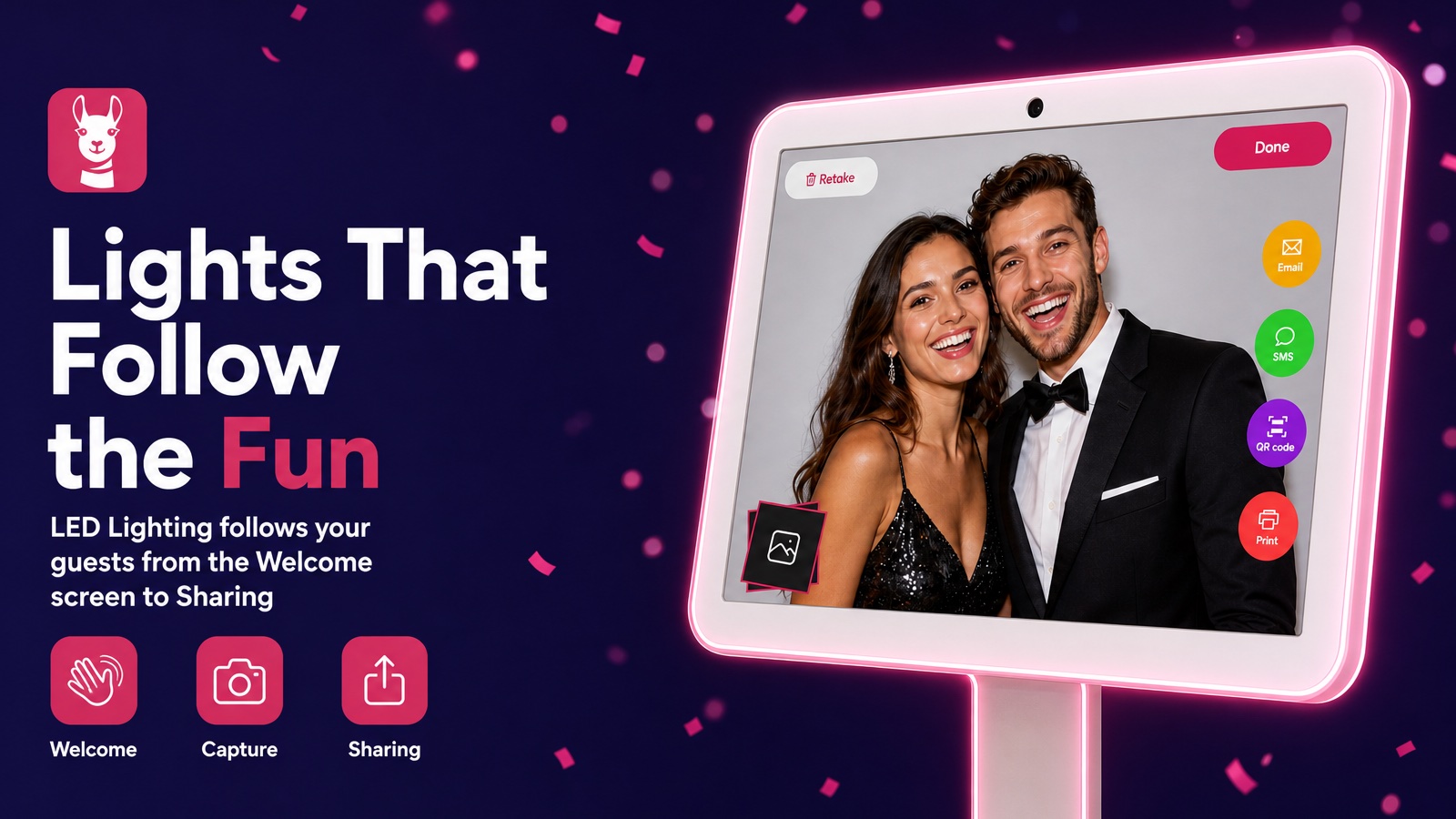
LED Lighting is a new panel under SHARING ADD-ONS. Pair an SP630E family controller, turn LED Lighting on for an event, and the strip follows your guests through the Welcome, Capture, Processing and Sharing stages with the looks you choose on the dashboard. Other controller models are not supported on Windows yet.
Set up LED Lighting in LumaBooth for Windows
Also in This Release
- Indonesian is now an app language, and Spanish uses the friendlier informal “tú”.
- A new Retake look, and a “Display text before recording” message under the video countdown.
- Sharper photostrips, and .m4a sound files alongside .mp3.
- A clear message, instead of a crash report, when the PC runs out of graphics memory.
- The online dashboard’s Sharing screen editor now works like the Windows one.
How to Get It
LumaBooth for Windows 8.5 is available now. Open LumaBooth, then choose Help > Check for Updates. New here? Start a free trial and see how your booth looks in your colors. The full list of changes is in the LumaBooth for Windows 8.5 release notes.